Making slides & delivery tips for scientific presentations

PhD foundation, January 13, 2026, Cardiff

Bahman Rostami-Tabar

Data Lab for Social Good, Cardiff Business School, Cardiff University

Agenda

  • Design philosophy for scientific slides

  • Visual and typographic principles

  • Technical and practical safeguards

  • Delivery skills

Making Slides

The Design Philosophy

  • Signal-to-Noise Ratio: Maximize insight, minimize clutter, get rid of what’s not essential.

  • Cognitive Load: The brain handles about six visual elements at once.

    • Aim for 3–6 visual elements per slide.
  • The Rule of Three: Organize your talk into three or four distinct “messages.” The audience will not remember more than this

  • One Idea Per Slide: Each slide must have a single, central objective.

Know Your Audience

  • The Omniscience Trap: Do not assume the audience knows what you know. You have spent years on a specialty; they have not.

  • Tailor content to audience expertise and interests. You may need to make assumptions!

Visuals Over Text

  • Hierarchy of Understanding: Figures are easier to understand than words; words are easier to understand than equations.

  • Graphics: Never have a slide that is only text. Build slides around visualizations.

  • Show, Don’t Just Tell: Use visuals and examples to illustrate points rather than just describing them
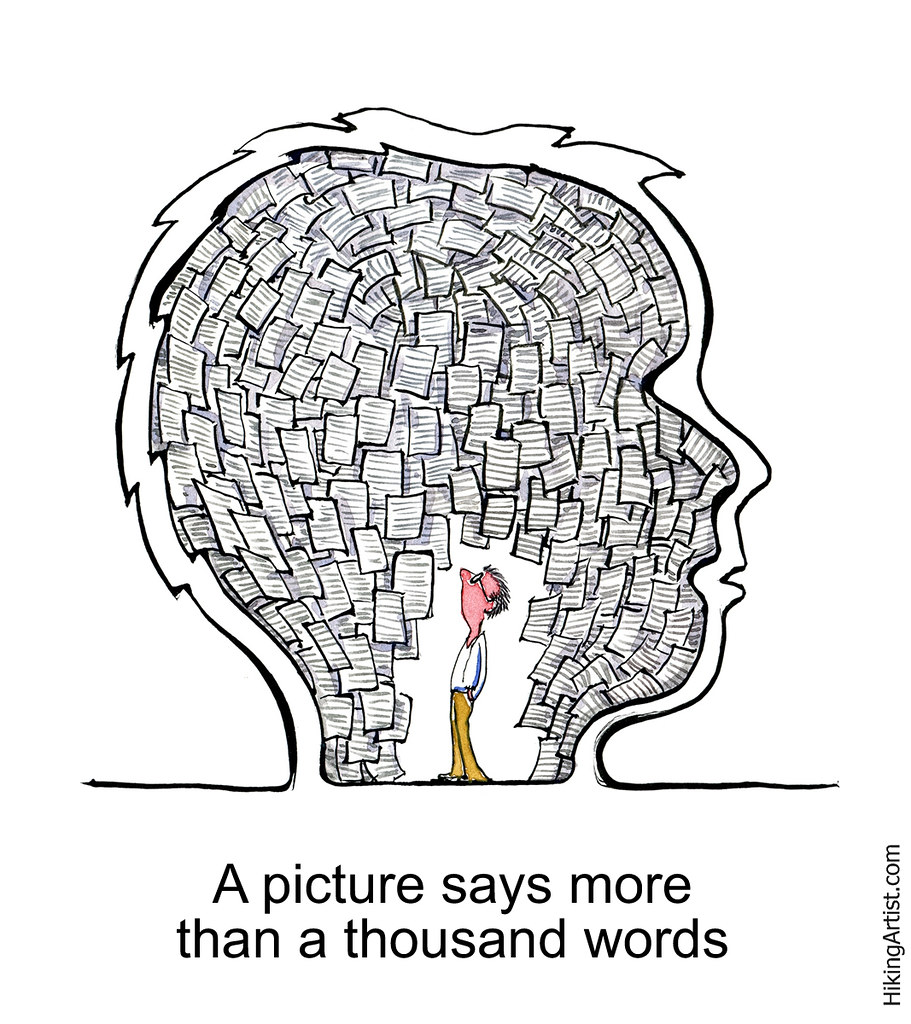
Use bullet points and short text

  • Bullet Points Only: Avoid full sentences and paragraphs

  • Sentence Headlines: Titles should state findings/message/conclusions.

  • Redundancy is Good: Short text can reinforce spoken words.

  • Citations: Place citations directly on relevant slides 1.

Backgrounds and Layout

  • Go Blank: Avoid templates and themes.

  • Background Color Choice: Prefer solid white, white-gray

  • Image Backgrounds: Desaturate or darken/lighten to avoid distraction.

Typography Rules

  • Font Family: Use sans-serif fonts (Arial, Helvetica, etc).

  • Font Size: Default sizes are usually too small.

    • Titles: 44 pt
    • Subtitles: 36 pt
    • Body Text: 32 pt
    • Captions/footnote: 18–24 pt
  • Emphasis: Use bold, not italics, underlining, or ALL CAPS.

    • You can use color for emphasis, but limited numebrs.
  • Consistency: Keep font roles and collors consistent across slides.

Font Color

  • Use BlaCK or Dark Gray for text on light backgrounds.
  • Use White or Light Gray for text on dark backgrounds.
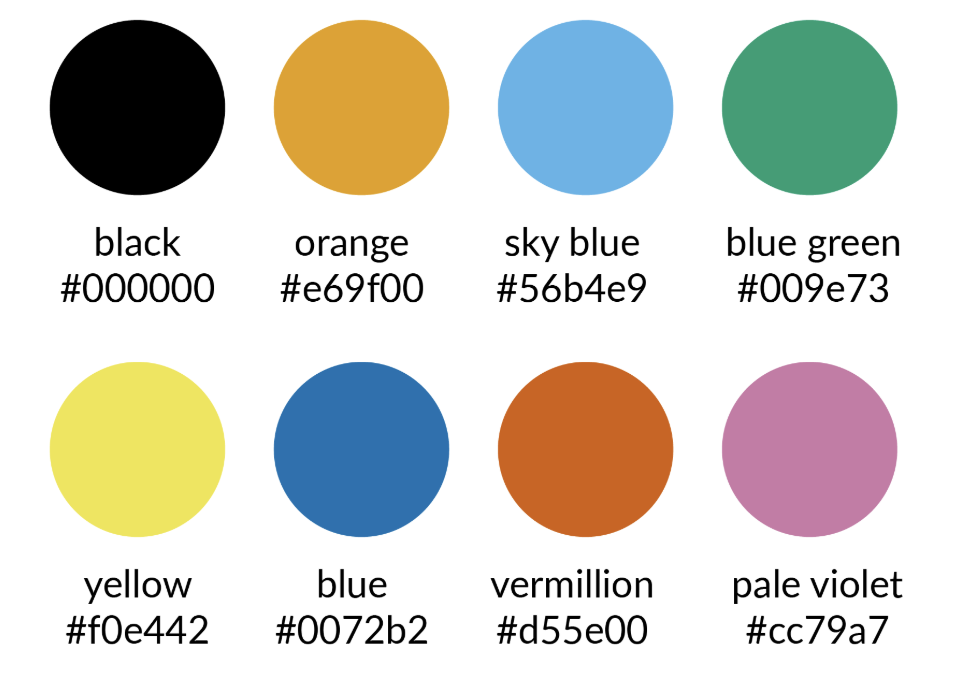
  • Limit Palette: Use 2–4 main colors.
  • Accessibility: Use color-blind friendly palettes.
Visualiziations

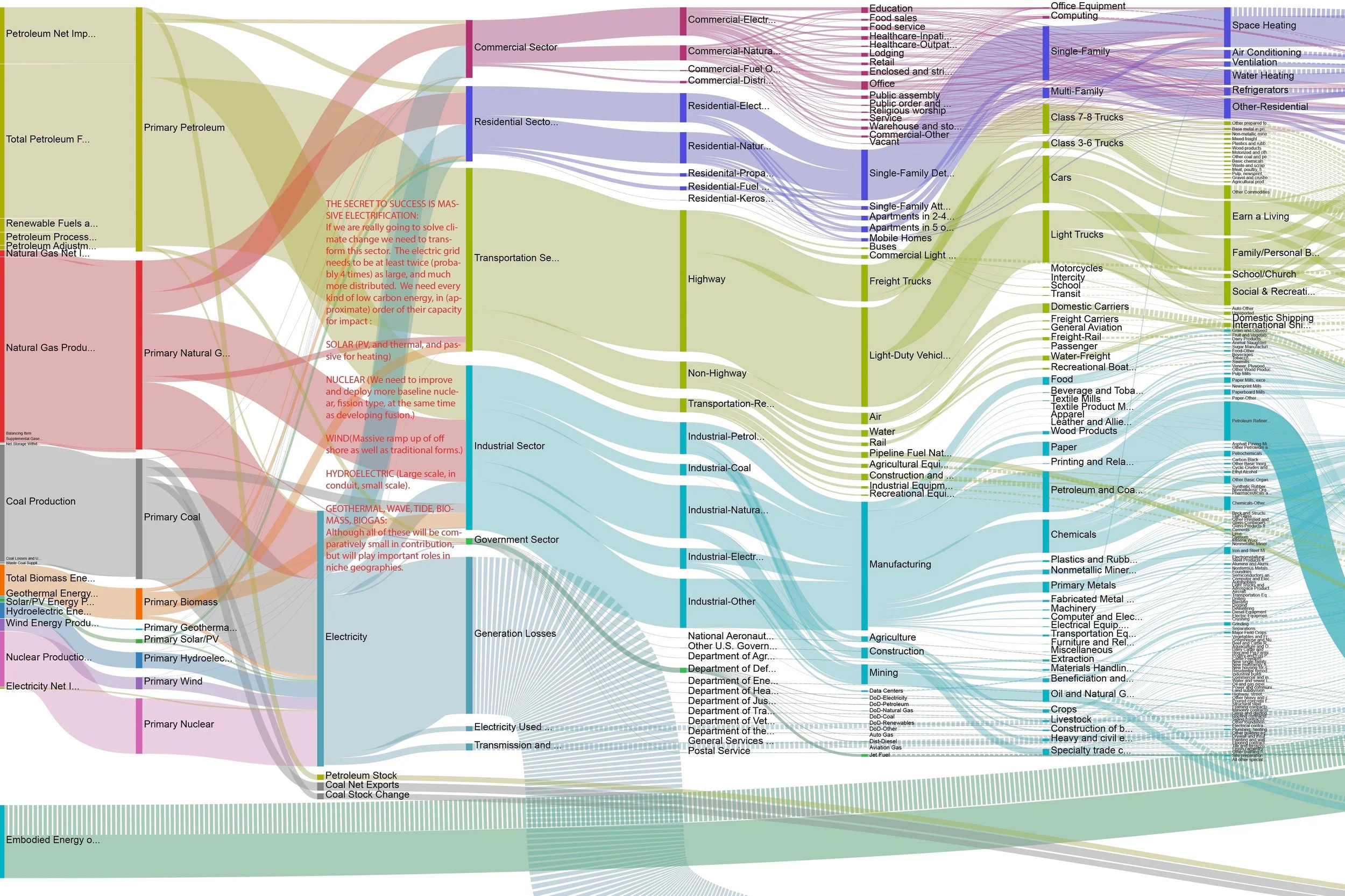
  • High Quality: Use sharp, high-resolution graphics.

  • Readability: Ensure text in figures is legible, if you say sorry for it, it’s too small, then question why you included it.
Equations

Simplify Equations: Treat equations as visuals; define all symbols.

\[ \begin{aligned} \min_{x \in \mathbb{R}^n}\quad & f(x) = c^\top x \\ \text{s.t.}\quad & Ax \le b \\ & x \ge 0 \end{aligned} \]

  • \(x \in \mathbb{R}^n\) is the decision vector, \(n\) is the number of variables.
  • \(f(x)\) is the objective function value.
  • \(c \in \mathbb{R}^n\) is the cost (or weight) vector.
  • \(c^\top x\) is the dot product.
  • \(A \in \mathbb{R}^{m\times n}\) is the constraint matrix, \(m\) is the number of constraints.
  • \(b \in \mathbb{R}^m\) is the right-hand-side vector of constraint limits.
  • \(Ax \le b\) represents \(m\) linear inequalities.
  • \(x \ge 0\) is the nonnegativity constraint.

Motion and Transitions

  • No Animations: Avoid flying text and fancy transitions.

  • Build Method: Use multiple slides for progressive diagrams and to explain complex ideas.

Technical Formatting & Safety

  • PDF is King: Export final slides as PDF.

  • Backup: Always have a backup on a USB drive.

  • website: if you use revealjs or similar, host a copy online as backup.

Delivery

The Vocal & Verbal

  • Don’t Memorize Text. Memorize your outline as a tree of ideas and speak extemporaneously.

  • Embrace Silence. Avoid filler words such as um and er. A pause is better; it gives you time to think and the audience time to process.

  • Volume and Tone. Speak loudly and firmly. Vary your rate and volume based on the complexity of the information.

  • Explicit Language. Avoid vague pronouns like this or that. Say that figure or that equation to be precise.

Body Language

  • Face the Audience. Do not turn your back to read the screen.

  • Eye Contact. Engage the audience by looking at different parts of the room.

  • Pointers. Prefer a solid stick. Laser pointers move too fast, and mouse pointers are hard to follow and can cause motion sickness.

  • Nerves. Stage fright is normal. It shows you care. Channel that energy into your voice and gestures.

The Q&A and Mishaps

  • Honesty is Key. If you do not know the answer, say so. If you simplified something, admit it.

  • No Apologies. Do not apologize for your English, your nerves, or technical issues. never start with an apology.

  • Handling Interruptions. If a question requires a long detour, suggest postponing it until the end.

The Golden Rules

  • Never Go Over Time. If time runs out, stop and summarize immediately.

  • Practice. Practice reveals missing vocabulary and smooths transitions. Minimum 10 timed rehearsals.

  • Iterate. Rehearse with peers to discover unclear points and weak parts of the story.

You made it! 🎉

References

Books: - slide:ology - Presentation Zen - The Craft of Scientific Presentations

Free photos: - unsplash.com - pexels.com

Details

  • Some content adapted from:
    • “The Craft of Scientific Presentations” by Michael Alley
    • “Presentation Zen” by Garr Reynolds
    • “Slide:ology” by Nancy Duarte
    • “Resonate” by Nancy Duarte

Acknowledgments

  • Thanks to colleagues and mentors who provided feedback on presentation skills and design principles over the years.
  • Image credits to respective photographers and sources for visual materials used in this presentation.